Start
Controls: phone and computer
Updated 2026-10-07
Phone
| element | what it does |
|---|---|
| Joystick | moves the bubble in the direction you tilt it |
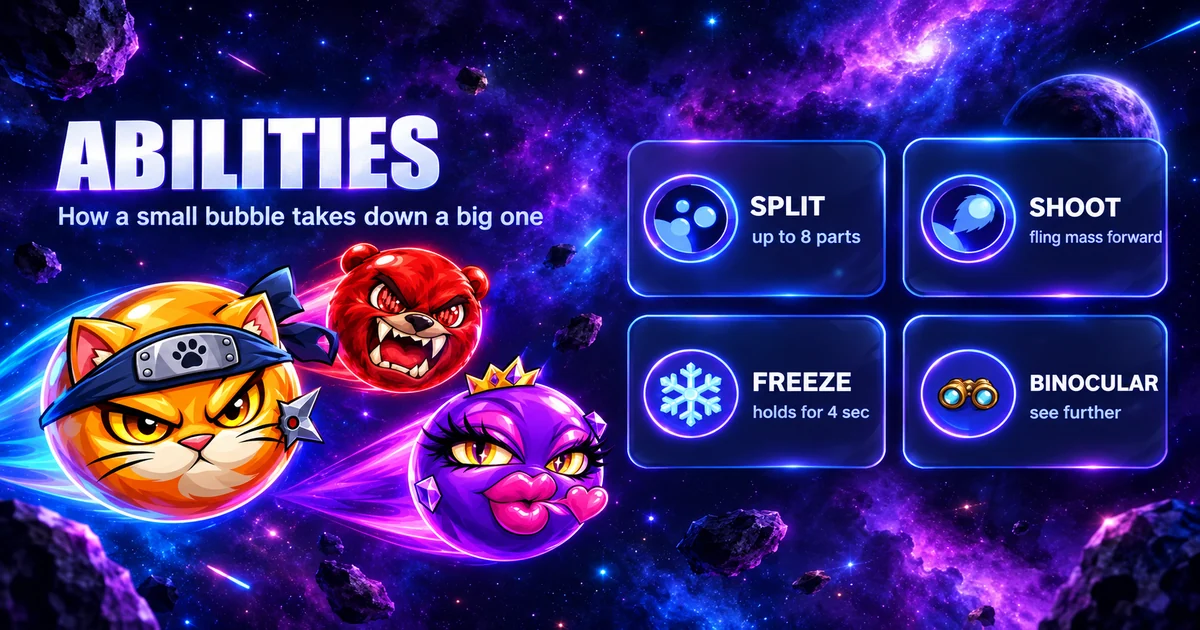
| Move buttons | SPLIT (splitting), shoot mass, boost, binoculars. In the settings this set is called “Control pad” |
| Emotions panel | opens the emojis |
| Top row | house, balances, leaderboard, mini-map. The arrow next to the balances collapses and expands the lines |
| A short tap on a locked chest | opens its window. The finger that is on the joystick will not open it; tap outside the window to close it |
You can drag the mini-map and the leaderboard by their handles. Hold the phone horizontally for a wider view.
Mini-map
The mini-map has three kinds of markers: bots, targets (a red bullseye) and players (colored dots of different sizes). Your dot is green.
Computer
| action | key or mouse |
|---|---|
| steer the bubble | mouse: the bubble moves from the center of the screen toward the cursor |
| split | Space |
| shoot mass | W or the left mouse button |
| boost | E or the right mouse button |
| chest or range window | R; press again to close it |
| house | H; press again for “No” |
| the window’s main button: “Yes”, “Change mode”, “Go to the range” | Enter |
| emotions | number keys 1–9 and 0, plus five more on Shift + 1…5 |
| in a raid | Q — bomb, E — freeze |
- There is no joystick on a computer.
- The Esc key does nothing.
- The key labels are shown on the buttons.
- A left click on a locked chest opens the window but also shoots mass. Open the chest window with the R key.
Settings
☰ menu → “Game Settings”.
| setting | options |
|---|---|
| Background Music, Sound Effects | on / off |
| Joystick | Left / Right |
| Joystick size | Small, Medium, Large |
| Button size | Smaller / Bigger |
| Control pad | New / Old; takes effect in the next match |
| Map and leaderboard | the “Reset” button puts them back in their default places. This line is not shown on a computer |
Joystick on the left
With the joystick on the left, the top row is mirrored: house and balances on the right, leaderboard and mini-map on the left. The places you dragged the map and the leaderboard to are remembered separately for this layout.